The Best Standing Desks for Home Office on Amazon (2026)
By Erin Mitchell · Updated September 2026
Independent editorial guide. We never accept payment for coverage, though we may earn a commission if you purchase through our links.
Quick Take
For a home office where the desk is the main work surface 6 to 10 hours a day, the standing desk category has a clear three-tier answer. FlexiSpot owns the $300 to $500 workhorse slot with the E7 Pro frame. Uplift owns the $600 to $1,100 premium slot with the V2. VIVO is the honest budget answer for occasional use. Almost nothing else in the category survives a fair comparison.
The picks below are sorted by how hard the desk has to work. The FlexiSpot E7 Pro is the default for most home offices: dual motor, inverted-leg design for stability, real load capacity, and a price that doesn't require an upgrade conversation with a partner. Uplift V2 is the upgrade when wobble at full height matters, or when the desk has to hold a 49-inch ultrawide plus a second monitor. VIVO is the honest pick under $300 for occasional standing, not all-day use. Be honest about budget: under $300, motor quality and frame rigidity are what get cut. Sit-only at that price beats wobbly stand. See picks ↓
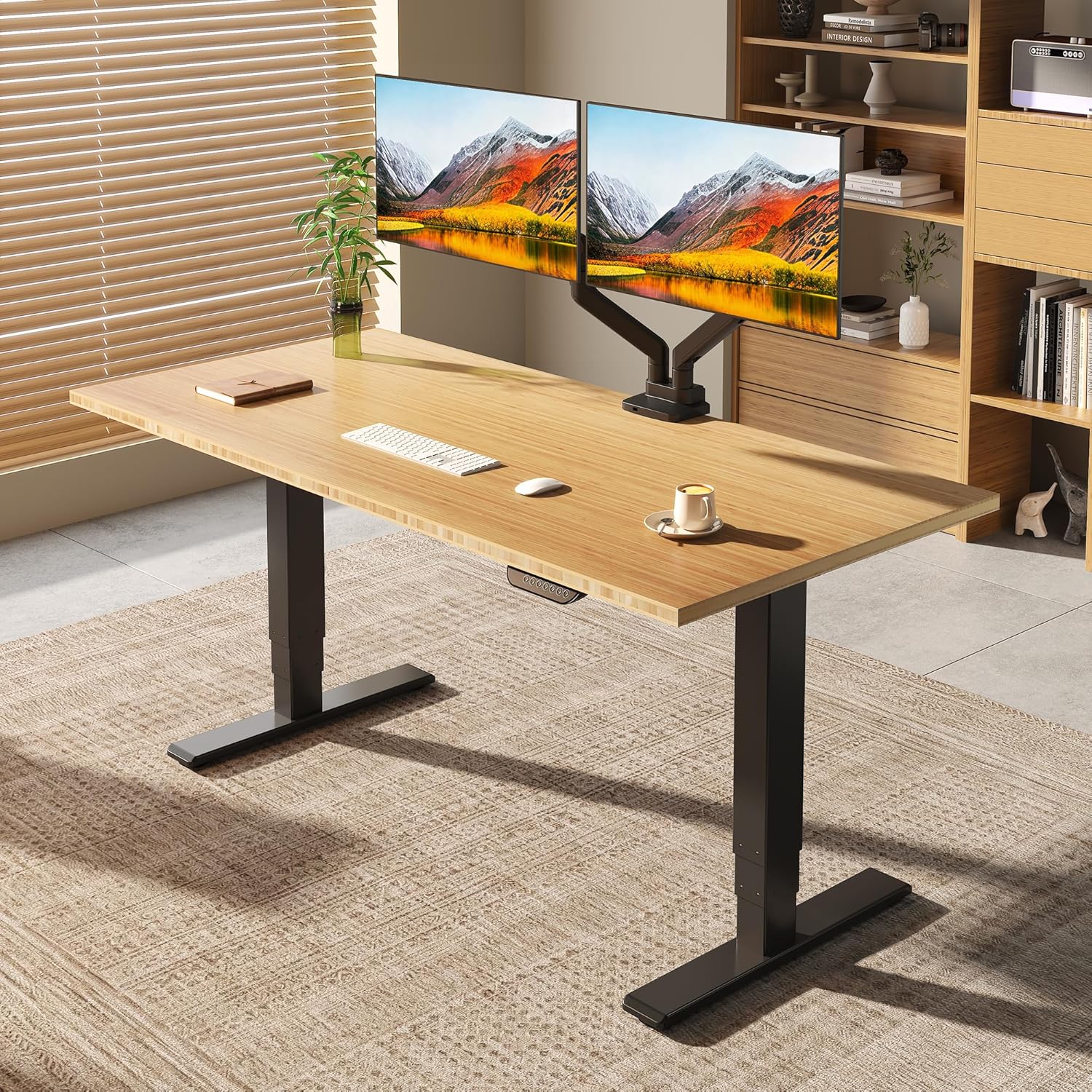
Home office standing desks have matured to the point where the right answer is usually a known brand at a known price tier, not a gamble on a no-name frame with marketing-grade spec claims. The category consolidated around three brands that survive three years of daily use: FlexiSpot, Uplift, and VIVO. The rest of the Amazon results page is white-label noise.
The trade-off is real, though. Under $300 you're giving up motor quality and frame rigidity, full stop. The picks below are honest about which tier solves which problem: workhorse for full-time remote, premium for heavy multi-monitor setups, budget for the person who stands two hours a day and sits the rest.
What a home office standing desk needs
Three things matter and almost nothing else does. Frame rigidity at full standing height is what separates a $400 desk from a $150 one; a desk that wobbles at 46 inches is unusable for typing no matter how good the motor is. Motor quality decides whether the desk still raises smoothly in year three or grinds to a stop halfway up. And load capacity has to clear the real weight on the desk: monitors, arms, a heavy mechanical keyboard, and your elbows.
The spec brands love to advertise is travel speed, inches per second. It's the least important number on the box. A desk that raises a bit slower and holds steady at full height beats a fast desk that shimmies under a coffee cup. Look at frame style instead. Inverted-leg (wider at the top) is more stable than standard-leg, and dual motor beats single motor at every width over 48 inches.
FlexiSpot E7 Pro is the workhorse most home offices should buy
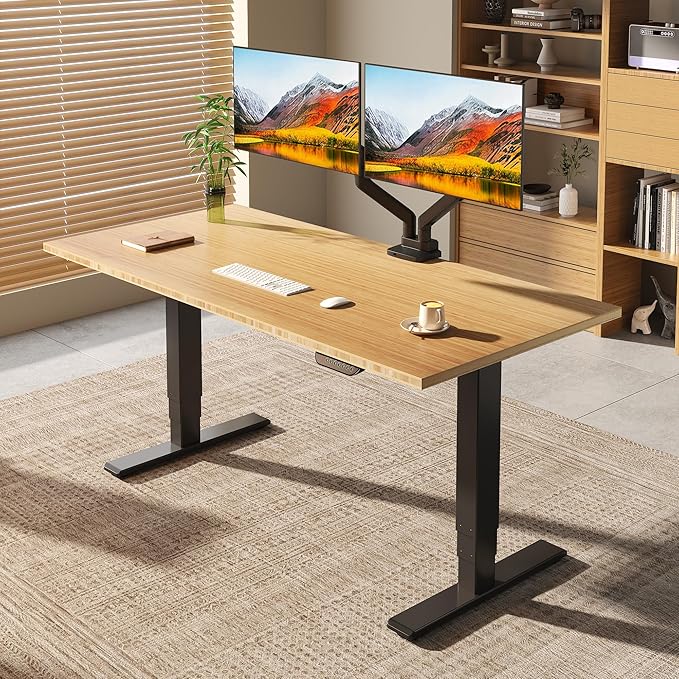
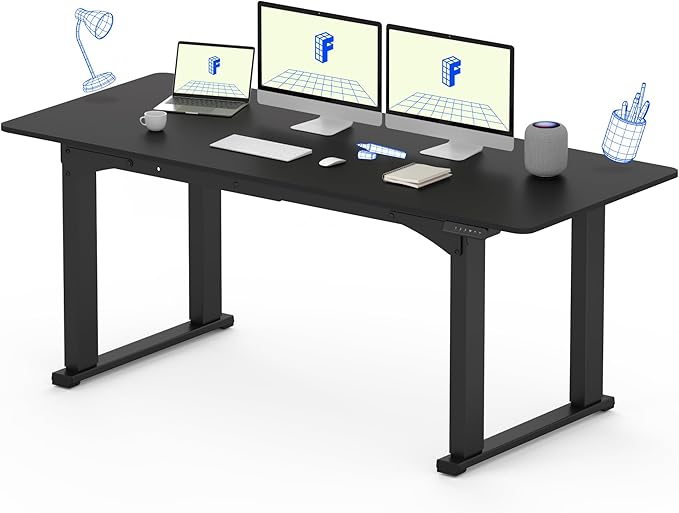
The FlexiSpot E7 Pro is the default for the same reason the Honda CR-V is the default crossover: it's the right answer 80 percent of the time, and the other 20 percent know exactly why they want something else. Dual motor, inverted-leg frame, load capacity that covers a triple-monitor setup, and a price well below the Uplift equivalent. The motors are quiet enough to raise mid-Zoom call without anyone noticing.
Where the E7 Pro loses to Uplift is the small finishes. Cable management is okay, not great. The controller works but doesn't feel premium. Warranty service in the US is slower than Uplift's Austin-based operation. For most home offices, none of that matters. For a desk that has to look right on a YouTube background or survive 10 years, it might.
Uplift V2 is the category leader, and worth the premium for some
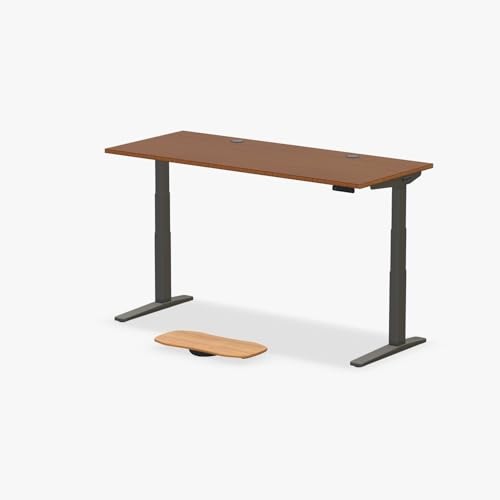
The Uplift V2 is what everything else gets measured against. The frame is the most rigid in the category at full standing height, the warranty is the longest at 15 years on the frame, and accessories like under-desk drawers, monitor arms, and cable trays fit without aftermarket hunting.
The gap over the FlexiSpot E7 Pro is narrow on rigidity and wide on finish and support. Buy the V2 over the E7 Pro if you're running a 49-inch or larger ultrawide plus a secondary monitor, if your desk is over 60 inches wide where wobble compounds, or if you'd rather have one purchase last a decade than save $400 now. Below those cases, the E7 Pro is enough desk.
VIVO is the honest pick under $300
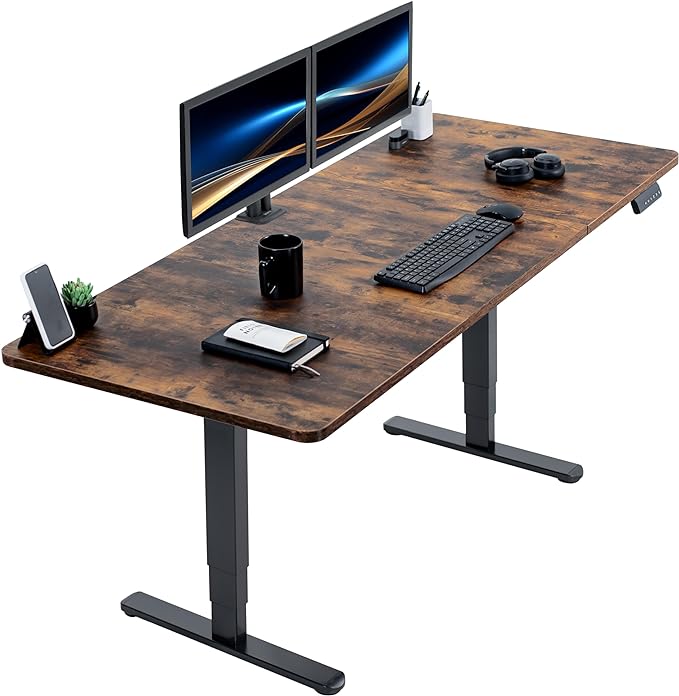
VIVO is what to buy when the budget is hard at $300 and the desk isn't your primary work surface 8 hours a day. Most models are single motor, load capacity is lower, and there's noticeable sway at full height with a monitor on top. For an occasional-standing setup, none of that disqualifies it. For all-day remote work, all of it does.
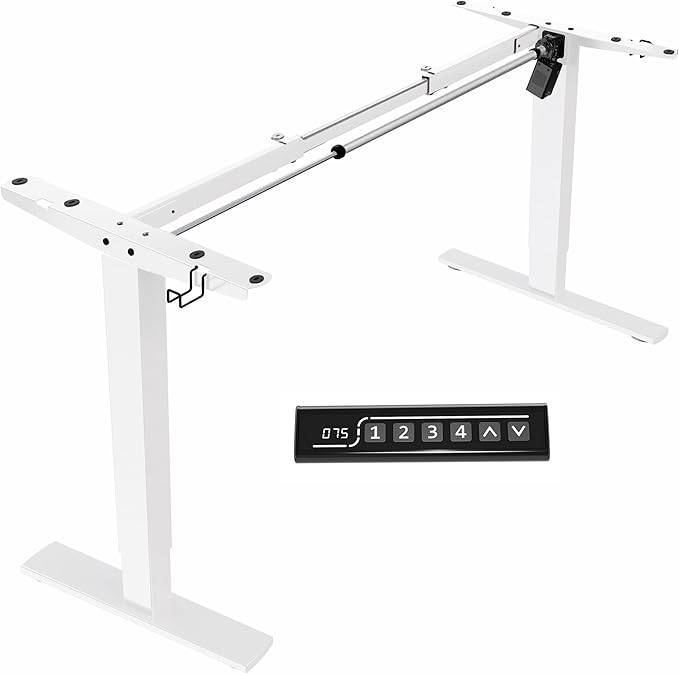
The frame-only VIVO models are the smartest play in this tier. Buy the frame, pair it with a $50 unfinished desktop from a big-box store, and you get a wider, more solid surface than the bundled VIVO tops for a similar total cost. The bundled tops are thin particleboard with edge banding that peels inside two years.
Desks worth skipping
Standing desks claiming 350 pound load capacity under $250. That rating comes from static load on a level test rig, not dynamic load with a typing user leaning on the edge. Frames in this price range can't sustain the claim, and the motors burn out lifting anywhere near it. Real capacity at this tier is half the advertised number, at best.
Single-motor desks wider than 55 inches. One motor in the center of a wide frame creates a torque imbalance that shows up as racking, one side lagging the other, inside the first year. Past 55 inches dual motor is non-negotiable, and most over-55 desks in the FlexiSpot and Uplift lines are dual by default.
Manual crank desks for daily use. They look like a value play. They aren't. The 30 to 40 turns it takes to go from sit to stand kills the habit within two weeks, the desk ends up parked at one height, and the standing benefit evaporates. If the budget can't stretch to electric, a fixed-height standing desk converter on a regular desk is the smarter buy.
Accessories that matter
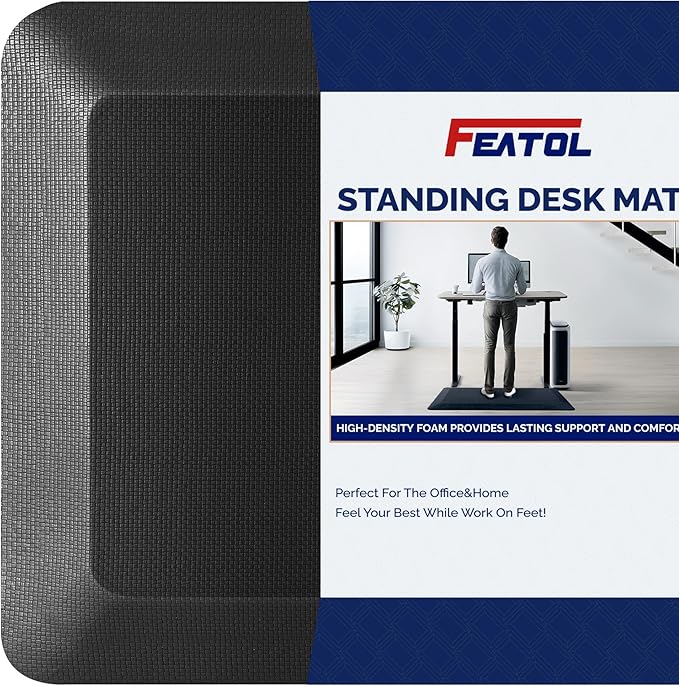
An anti-fatigue mat. Standing on hardwood or low-pile commercial carpet for 4-plus hours a day is what hurts; the desk is fine. A thick memory-foam mat is a $45 purchase that decides whether the standing-desk habit survives past month two. Buy it the same day as the desk.
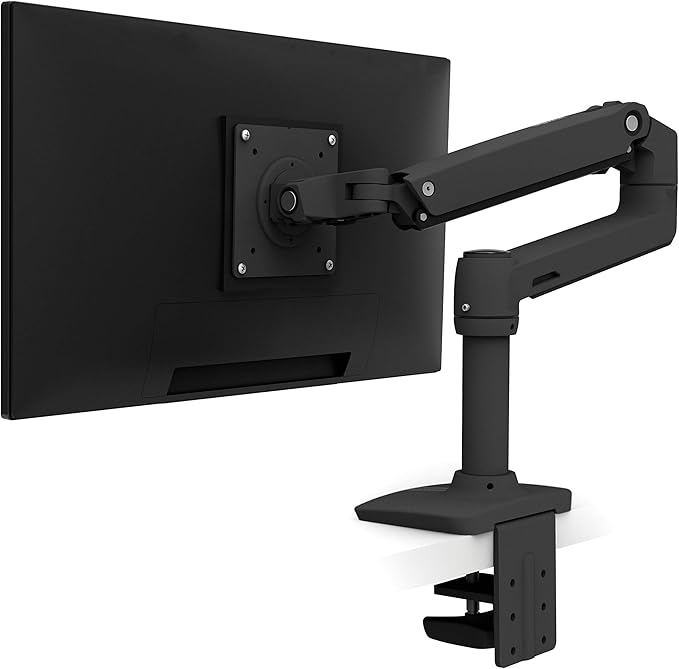
A monitor arm, not a monitor stand. The arm lets the monitor follow you between sit and stand positions without re-adjusting. A stand anchors it at one height and forces a neck compromise at the other. VESA arms are universal and cheap, and this is the highest-ROI accessory after the mat.
Cable management you plan rather than improvise. The desk moves 18 inches twice a day, and cables that were fine on a fixed desk will snag, unplug, or yank a monitor off the edge. A simple cable tray under the desktop plus velcro ties on the legs handles it for under $25, and it's the accessory people skip most.
The sit-stand habit
The research on standing desks is more modest than the marketing suggests. The benefit isn't standing more, it's breaking up static posture. A 30 minute sit, 10 minute stand, 30 minute sit rhythm beats a 4 hour stand block. Most people who quit standing desks tried to stand all day, hurt their feet, and gave up.
Which leads somewhere useful: a desk that raises in 12 seconds beats a desk that raises in 6 seconds, but only if both still raise reliably in year three. Reliability is the spec. Speed is the marketing. Every pick below is on this list because owners report it still working three years in, not because of a number on the box.
Recommended
Products related to this guide.
Frequently asked questions
What are the best standing desks for home office?
FlexiSpot E7 Pro Electric Standing Desk. The default for most home offices.
What are the best budget standing desks for home office?
VIVO Electric Standing Desk Frame (Frame Only). The smartest play under $200: buy the frame, pair it with a $50 unfinished desktop.
What are the best premium standing desks for home office?
Uplift V2 Standing Desk (Bamboo). Budget Stretch: the category leader.