The Best Smart Plugs for Renters on Amazon (2026)
By Maya Chen · Updated July 2026
Independent editorial guide. We never accept payment for coverage, though we may earn a commission if you purchase through our links.
Quick Take
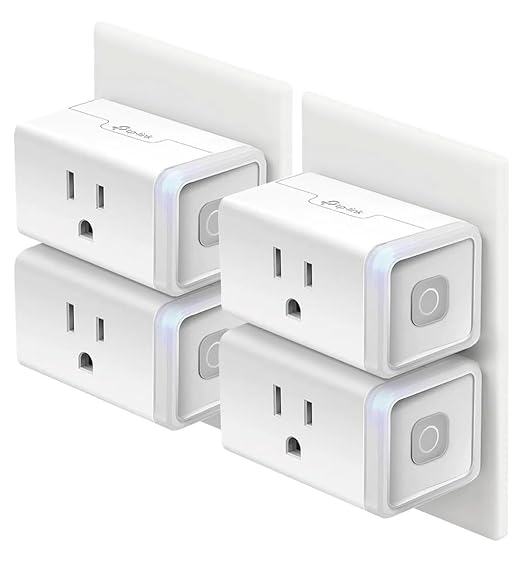
For most renters the right answer is a four-pack of TP-Link Kasa Wi-Fi plugs (model HS103P4) at around $29.99. They plug into any standard outlet, set up in the Kasa app over 2.4 GHz Wi-Fi, work with Alexa and Google Assistant without a hub, and leave nothing behind when the lease ends. Four plugs covers a typical 1-bedroom: a lamp in the living room, a lamp in the bedroom, a coffee maker, and a holiday-light or fan circuit.
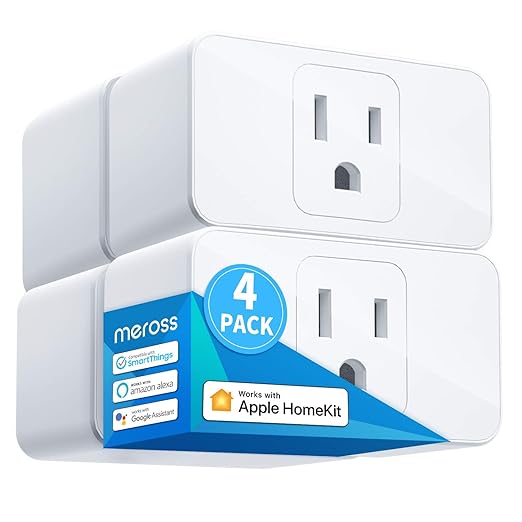
Pick by ecosystem first, then by form factor. iPhone households that want Siri and the Home app should pay the small premium for a Meross HomeKit plug, since Kasa, Wyze, and Govee don't natively support HomeKit. Households on Alexa or Google should grab the Kasa multi-pack or, if budget is tight, the Amazon Basics single. Avoid plugs that require their own hub, since the whole point for renters is no extra hardware mounted to walls or shelves. Jump to the four-pack, the HomeKit option, and the under-$15 backup we'd buy for a rental ourselves. See picks ↓
Smart plugs are the one piece of home automation you can add to a rental without an awkward conversation with the landlord. No wiring changes, no permanent fixtures, no holes in the wall. They turn a regular lamp, fan, or coffee maker into something a phone or voice assistant can control, and on move-out day they unplug and come with you.
The catch is the aisle. It's crowded with near-identical white rectangles, and the differences that matter to a renter (ecosystem support, Wi-Fi band, whether a hub is required) never make it onto the front of the box. This guide narrows the field to five plugs that genuinely fit a rental, sorted by price so the labels match the dollars.
What makes a smart plug renter-friendly
Three things separate a rental-friendly plug from one that creates a move-out problem: no required hub, no special wiring, and a setup process that runs entirely on the renter's phone and Wi-Fi network.
No-hub matters because hub-based systems, older Zigbee or Z-Wave plugs from SmartThings, Hue, or Lutron, need a small box plugged into the router. That's another piece of gear to mount, another power draw, and another thing to pack when the lease is up. Wi-Fi plugs skip the hub entirely and talk directly to the router.
No special wiring matters because some 'smart outlets' are in-wall replacements that require swapping out the existing receptacle. That's a landlord conversation and a deposit risk. A plug-in module sidesteps the whole question.
Pick by ecosystem, not by brand
The single biggest decision is which voice assistant or phone app the household already runs on. Almost every plug here supports Alexa and Google Assistant; far fewer support Apple HomeKit natively.
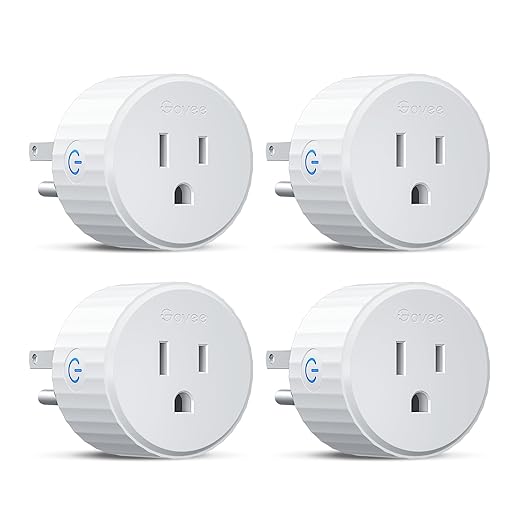
Alexa or Google households: Kasa, Wyze, Govee, and Amazon Basics all work. Kasa has the deepest schedule and scene support; Amazon Basics is the cheapest way to add a single voice-controlled outlet. Apple households: Meross is the standard pick for HomeKit, since it shows up natively in the Home app and answers Siri without an intermediary cloud service. Other brands need Shortcuts workarounds or third-party bridges.
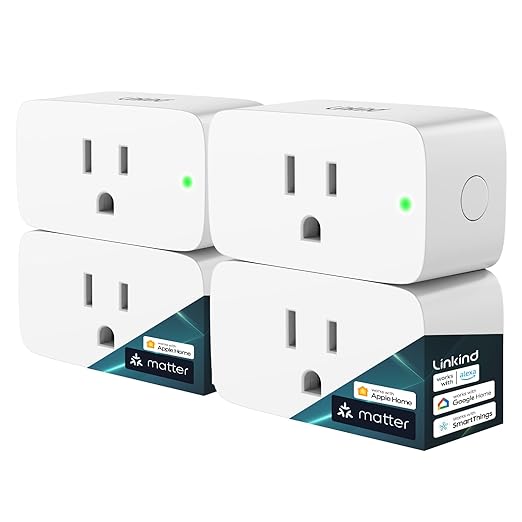
Matter-over-Wi-Fi is starting to change this, with newer plugs supporting all three ecosystems at once. Most of the inventory still ships as single-ecosystem, so check the box before you assume cross-platform support.
The 2.4 GHz Wi-Fi requirement
Every Wi-Fi smart plug on this list needs a 2.4 GHz network to set up. They do not connect to 5 GHz, and on modern mesh routers that auto-steer between bands, setup can stall until you temporarily disable the 5 GHz radio or force the phone onto the 2.4 GHz SSID. Renters using the apartment's provided Wi-Fi (Spectrum, Xfinity, fiber rentals) usually don't hit this, because those routers broadcast both bands on the same SSID and steer automatically. When pairing fails over and over, it's almost always a 2.4 GHz problem rather than a defective plug.
Form factor and the second outlet
A standard duplex outlet has two receptacles stacked vertically. A bulky smart plug takes one and physically blocks the other, which is fine on a free wall outlet and ruinous on a power strip or an already-crowded kitchen-counter outlet. The compact models (Amazon Basics small, Kasa Mini, Meross mini) leave the second receptacle accessible. For a renter short on outlets, that matters more than the brand on the plug.
Scheduling and away mode
Past the basics of 'turn the lamp on at sunset,' the features renters lean on are a vacation/away mode that randomizes timing to make a place look occupied, a coffee-maker schedule tied to a weekday alarm, and an Alexa or Siri voice routine for 'goodnight' that cuts a cluster of plugs at once. Kasa's app does all three out of the box. Meross's app is functional but less polished, and HomeKit users mostly bypass it for the Home app. Govee and Wyze bury plug control inside larger ecosystem apps you may already have installed for their other devices.
What not to buy
Avoid plugs that need their own brand-specific hub for full functionality; check that the box does not say 'hub required' or 'works with [brand] Bridge.' Avoid in-wall outlet replacements unless you rent from a landlord who has explicitly approved electrical changes. Avoid no-name brands sold only through a generic Amazon listing with no manufacturer support page, because the cloud service those plugs depend on can disappear without notice.
Skip energy monitoring as a primary feature unless that's genuinely the goal. The numbers are useful for finding a vampire load on a TV or game console, but for general lamp-and-fan control they add cost without changing the renter use case.
Move-out checklist
Before the lease ends: factory-reset each plug from inside the app, then unplug and pack. The reset clears the previous Wi-Fi credentials so the next household, or your next apartment, doesn't have to troubleshoot a plug hunting for a network that no longer exists. Leaving one behind on purpose, as a gift to the next tenant or a shared fixture? Reset it anyway. A plug that still has the previous renter's account attached is bricked for whoever inherits it.
Recommended
Products related to this guide.
Frequently asked questions
What are the best smart plugs for renters?
Kasa Smart Plug HS103P4 (4-Pack). Four plugs at roughly $7.
What are the best budget smart plugs for renters?
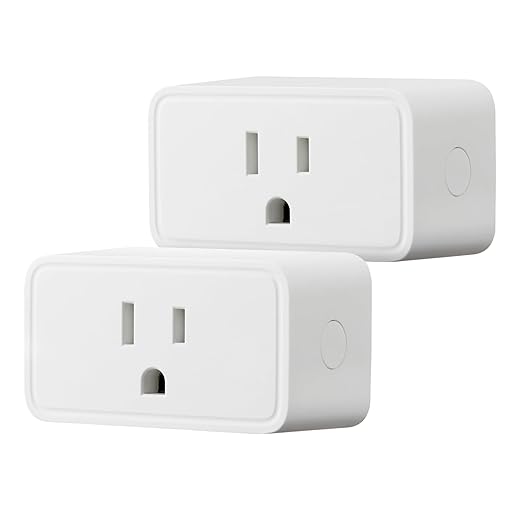
Amazon Basics Smart Plug (Single). The cheapest way to add one voice-controlled outlet.
What are the best premium smart plugs for renters?
Meross Smart Plug Mini (HomeKit). The HomeKit pick.