Kindle Paperwhite vs Basic vs Scribe: Which is Right for a Nightstand Reader
By Sam Hollis · Updated July 2026
Independent editorial guide. We never accept payment for coverage, though we may earn a commission if you purchase through our links.
Quick Take
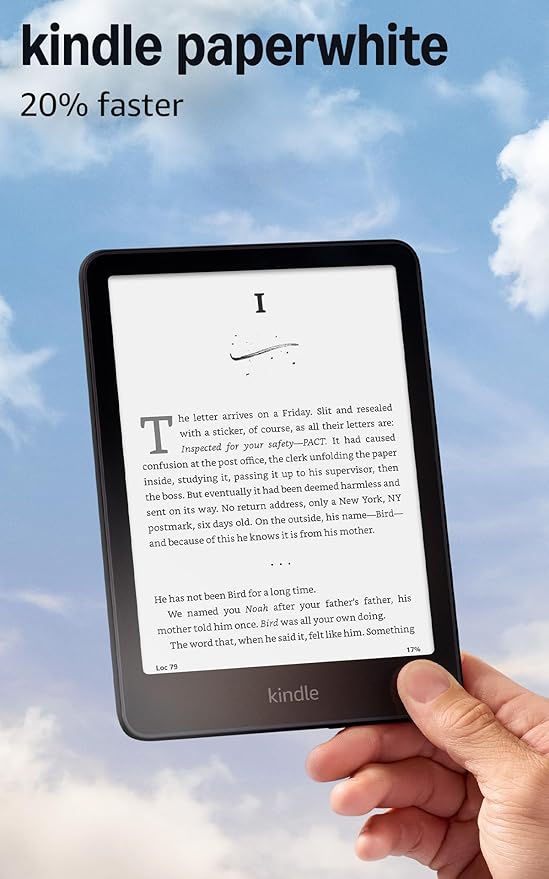
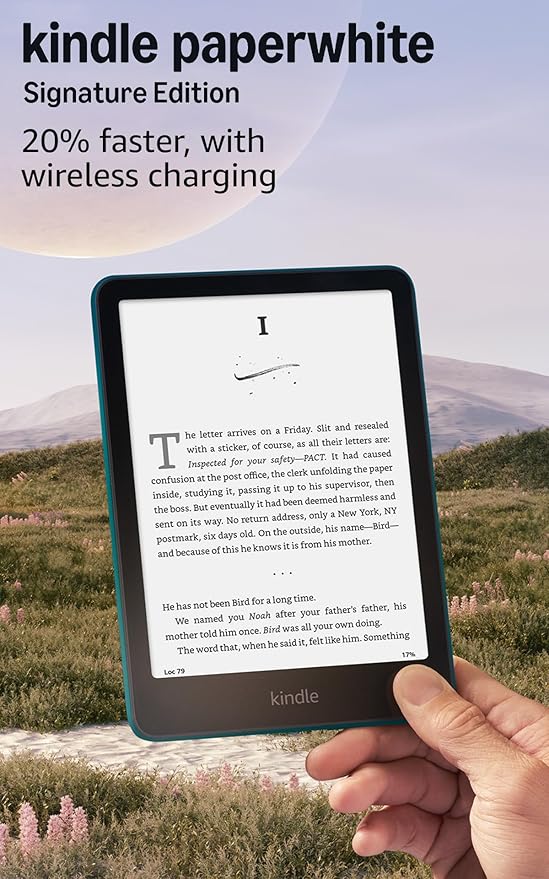
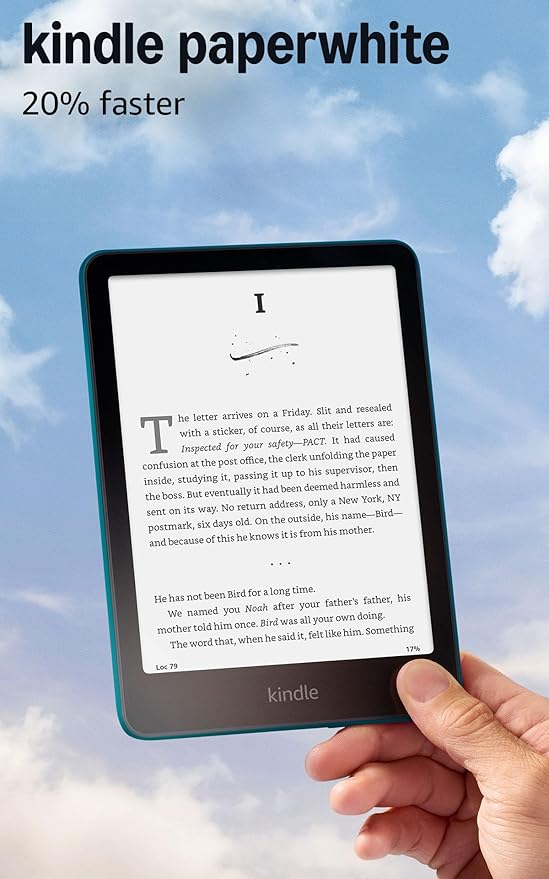
For a nightstand reader, the current Kindle Paperwhite (12th gen, 7-inch) is the default answer. It has the adjustable warm front light the cheaper Basic Kindle lacks, it's IPX8 waterproof so a knocked-over glass of water isn't a $160 mistake, and the larger screen is easier on tired eyes late at night.
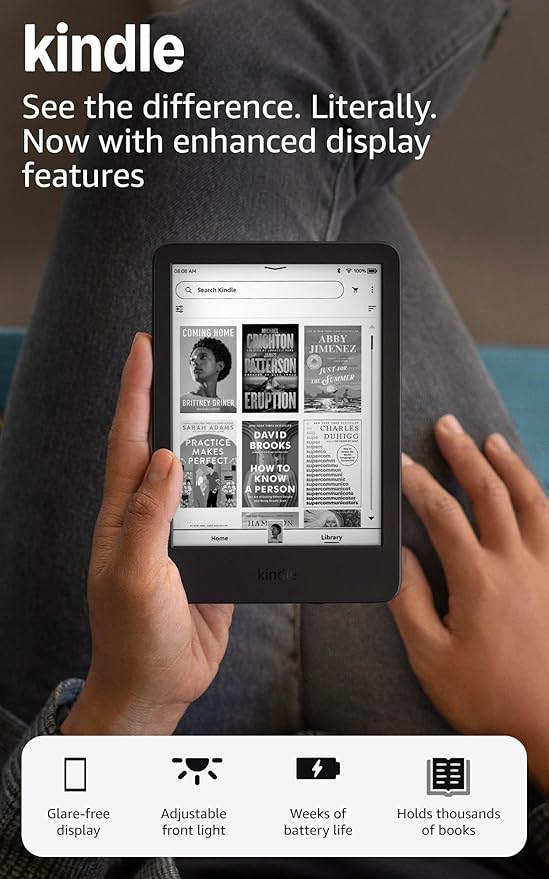
The Basic Kindle (11th gen, 6-inch) still holds up if you read in dark mode, don't mind a cooler white front light, and want the lightest possible device to hold above your face. The Kindle Scribe is a great note-taking and PDF tablet at 10.2 inches, and too big and too heavy to be a comfortable bedtime reader. One thing to know before you buy: a Kindle Unlimited subscription turns any of these into a near-infinite library for one monthly fee, which changes the math on which model is worth the upgrade.
Jump to the specific Kindle configurations worth buying for nightstand use, plus the case and charging accessories that matter when the device lives next to your bed. See picks ↓
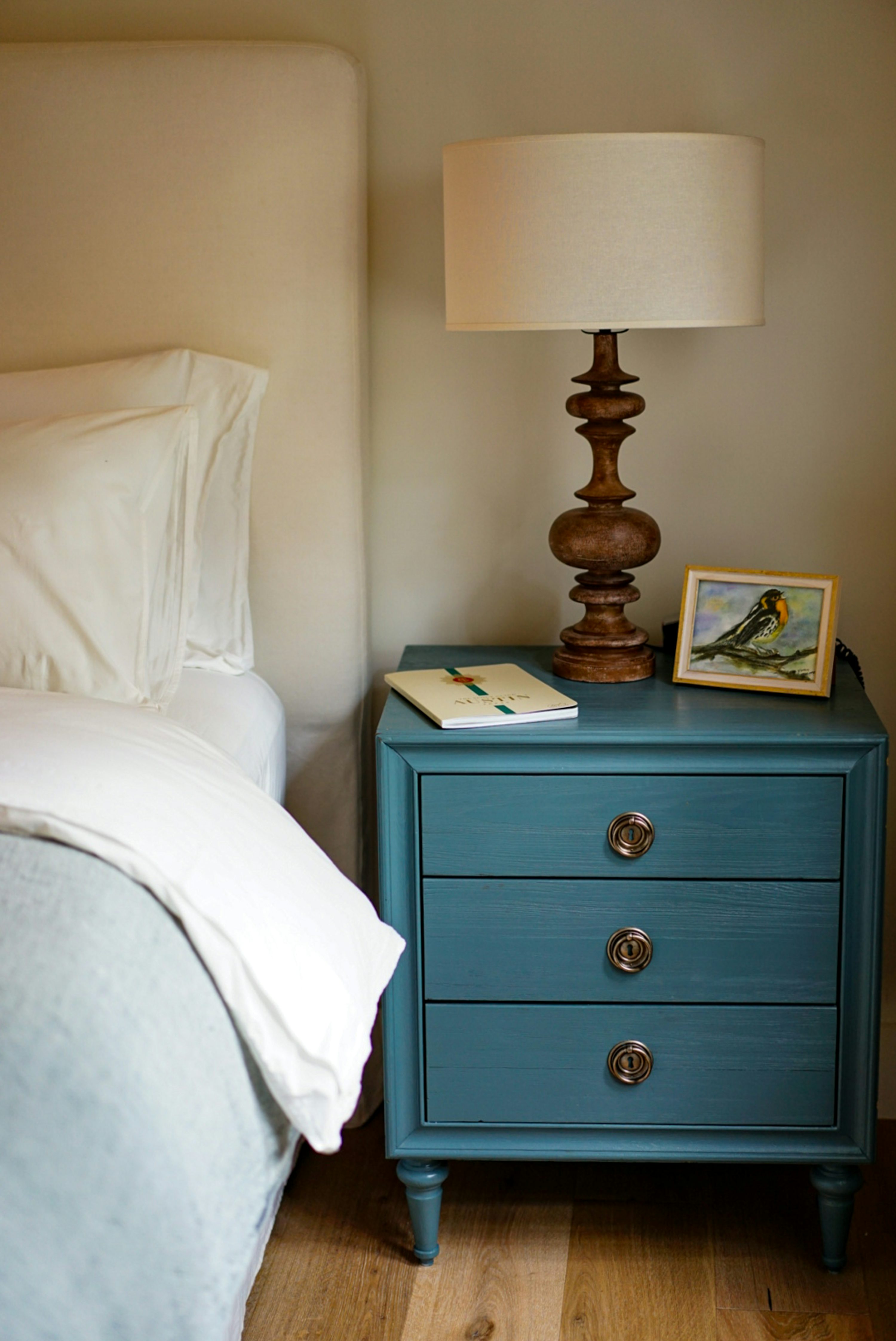
A Kindle that lives on your nightstand has a different job than one you take on the train or to the beach. Low light, usually one hand, often flat on your back, 20 to 60 minutes before sleep. The features that matter for that are not the ones Amazon leads with on the product page.
This is for the buyer choosing among the three current Kindles with bedtime as the only context. Owner quotes throughout come from r/kindle and r/ereader threads where people talk about reading in bed, warm light, weight, and whether to upgrade or downgrade.
Warm light is why the Paperwhite wins
The biggest hardware gap between the current Paperwhite and the Basic Kindle is the adjustable warm front light. The Paperwhite dials the screen from cool white toward amber. The Basic runs a fixed cooler light. Read in a dark bedroom right before sleep and that one feature settles the whole argument.
It's the most common reason buyers regret the cheaper model, and the most common reason owners say they upgraded. If you read with the lights out, warm light isn't a luxury, it's the reason to buy this one.
When the Basic Kindle is the right answer
The Basic isn't a lesser Paperwhite so much as a different shape. At 6 inches it's smaller, lighter, and easier to hold one-handed over your head while lying down. Several owners in the source threads downgraded from the Paperwhite to the Basic for exactly that.
The Basic is the better nightstand pick if any of these are true:
You read in dark mode, white text on black, which makes the warm-light question moot. You have small hands or joint pain and want the lightest device you can get. You already keep a separate ambient light on, so warm versus cool front light doesn't register. Or you're budget-sensitive and the $50 gap matters more than the feature gap.
Why the Scribe is wrong for a nightstand
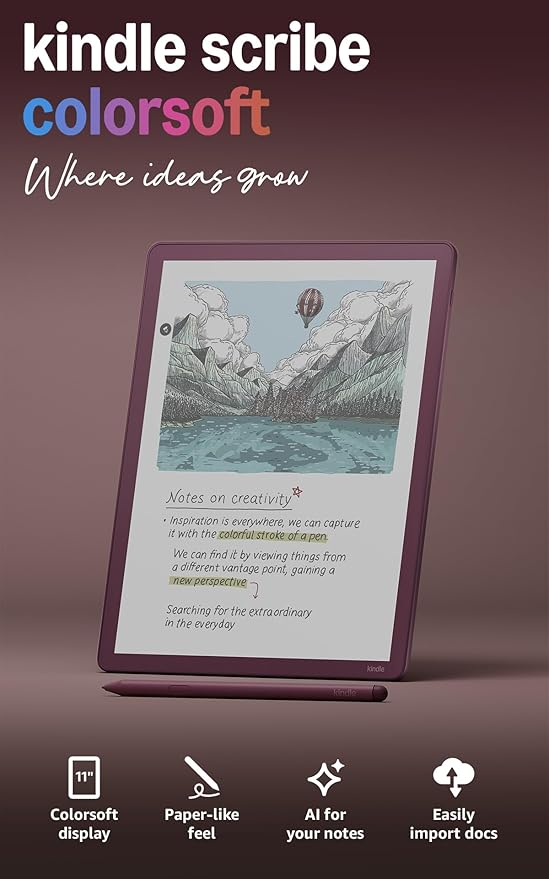
The Kindle Scribe is a 10.2-inch device, roughly the footprint of an iPad. It's excellent at its job: marking up PDFs, taking handwritten notes, reading textbooks and large-format documents. A nightstand reader does none of that.
For bedtime reading it has three problems. It's heavy enough that holding it over your face gets tiring fast. The bigger screen is awkward one-handed. And the $400+ price premium buys note-taking features you'll never touch at 11pm. Want a Scribe? Buy it for the desk, and a Paperwhite for the nightstand.
Waterproofing matters more than you think
The Paperwhite is rated IPX8 waterproof. The Basic Kindle isn't waterproof at all. Bathtub readers already treat that as the headline spec, but it counts on a nightstand too: a tipped water glass, a sweaty cold drink parked on the same surface, or a partner spilling tea in bed will kill an unprotected e-reader.
If your nightstand also holds a drink, the Paperwhite carries insurance value the Basic doesn't. If it doesn't, this drops down the list.
Battery life and charging every other day
Every current Kindle advertises weeks of battery life, and real-world owner experience varies plenty. One owner in the source threads had to recharge a used nightstand Kindle every 2-3 days on a few minutes of reading a night. Battery health on used and refurbished units is the wild card.
Buy new if the device is going to live on the nightstand. The $30-50 you save on a used unit isn't worth a daily charging chore on a battery that has already degraded.
Kindle Unlimited changes which model is the better deal
Many first-time Kindle buyers don't know Kindle Unlimited exists, or that it covers a sizable share of what's on the bestseller list. It's a flat monthly subscription for a large rotating catalog of e-books, including a meaningful chunk of the genre fiction (romance, thrillers, fantasy) that nightstand readers gravitate to.
If you're going to subscribe anyway, the device is a one-time hit and the cost-per-book falls to roughly nothing. That makes the Paperwhite upgrade easier to justify, because you're not paying the warm-light premium AND $15 per book on top of it. Libby gets you library books free if you have a card, though coverage varies by region and popular titles have long waits.
Ads versus no-ads on a bedside device
Every current Kindle comes in two trims: with lockscreen ads (cheaper) and without (about $20-25 more). On the ad version you tap or swipe past a sponsored image every time you wake the device. On a nightstand Kindle that lives in a dark room and gets unlocked dozens of times, plenty of owners find that mildly annoying enough to pay up. If it's going to be a nightly companion for years, spending the $20 once is usually the right call.
Cases for nightstand use
A nightstand Kindle doesn't need ruggedized travel protection. It needs two things a case gives you: a stand so it props up for hands-free reading, and corner protection for when it slides off the bed onto the floor. Origami-style covers that fold into a stand are the right shape. Sleeves aren't, because you have to pull the device out to read, and that's friction you don't want at 11pm.
The decision in one line
Buy the Paperwhite (current 12th gen) with no lockscreen ads. Warm light is the feature that justifies the device for bedtime. The Basic is a defensible cheaper alternative only if you read in dark mode and want the lightest hand-feel. The Scribe belongs on a desk, not a nightstand.
Recommended
Products related to this guide.
What owners say
Real owner reports from the threads and editorial sources we drew on for this guide.
“I had the Paperwhite Signature Edition (11th Gen) for a few years and loved it. A friend got me the Matcha Basic for my birthday last year and I was hesitant at first. I didn’t think I’d like the smaller size, lack of wireless charging, and no warm light. But after just one day with it I was blown away with how much I loved the size and color. I gave my Paperwhite to my sister and have never looked back. Almost a year later and I still love it.”
— r/kindle / JorEdw
“I just got a Kindle Paperwhite 12th Gen Signature Edition from Amazon for $132 after Mother's day sale and 20% discount for Kindle Keyboard discontinuation. It comes with $20 in ebook credit and I plan to sell my 11th Gen Signature Edition for about $100 online. It's effect cost to me will be $12. Didn't need a new Kindle but to me it made sense to upgrade just for a new battery which I probably couldn't buy for $12.”
— r/kindle / stone616
“There are a few differences, mainly size and the water resistance. There are some small variables in the customization but overall they’re very similar. I wish the Paperwhite came in full color casing like the Basic; I’d love a Matcha or soft pink Paperwhite but I have a black 11th gen and a metallic jade 12th gen instead. I stick with Paperwhite because I read in the tub and in the pool.”
— r/kindle / shortifiable
“Yeah, the basics don’t have warm light + whenever they made the 12th gen paperwhite and colorsoft they messed with the screens and thousands of devices suffered from overall yellowing + yellow bands, etc.”
— r/kindle / sovngrde
“I do read actual books and will continue to do so, but I am also looking for something I can comfortably operate with one hand, without any other support. Would you say Paperwhite is comfortable for that? I am really conflicted as I mostly read in bed and Paperwhite has warm light but Basic seems lighter to hold. Up till now I had Keybord version from 2012 which I was fine with. What would you advice?”
— r/kindle / konstantynopolitanka
“Am I the only freak of nature who can't stand a warm light? 😭 I just switched from the PW to the basic and I absolutely love it, the size and white light of the basic is so much nicer for me... I'm reading every single day which is insane, I haven't really read regularly in at least a decade. With the Paperwhite even on 0 warmth the backlight was always too yellow for me... Not sure where my disdain for warm light comes from but it also extends to lighting, I've had my husband change all the lightbulbs in our home... I feel abnormal for this hahaa.”
— r/kindle / epistolic
“Neither do I xD in my country you can just buy with or without ads… it’s maybe a 25-50$ difference, so not much. I just reed that with ads you need to swipe/press one more time than without the ads. Every model both basic, paperwhite and the …. Luxury model have with or with out ads, however I did read somewhere that I maybe can be turned off on the more expensive one.. don’t pin me on that, I’m not sure xD I think I’m in love with the Matcha color basic kindle 🤣🤣🤷🏼♀️ so I might gift ur to myself for my birthday 🙋🏼♀️👏👏”
— r/kindle / XxChiix
“I bought a Basic Kindle in 2019 and while I liked it, I upgraded to Paperwhite because there were some features I still missed (plus I love to carry a huge amount of books with me and I needed more storage place for that). My mom got my Basic, and now both of us are super happy and satisfied! ☺️ The Paperwhite of mine is perfect, unless it dies, I will sure not buy another Kindle. It is a Denim Blue device in a black case, I like it simple. But if you want the feeling of "new", you can always grab new cases, decorate it differently etc.! ☺️ Exactly like how OP mentioned.”
— r/kindle / JigoKuu
“I finally broke down and upgraded my 7th gen PW for the 12th gen PW with the Mother’s Day sale and upgrade discount. Funny enough, I have this feeling of betrayal to my 7th gen because I was so amazed how many years it worked perfectly and I kind of got in this mindset of pushing it to see how long it would last. Well, I got tempted by the discounts and while I still feel weird that I upgraded, I must say the screen size, speed, dark mode, warm light, and usb-c are nice quality of life upgrades. Happy reading!”
— r/kindle / pabstbluesippin
“i still have my sony e-reader from like 2012 and works perfectly fine! i had no plans to replace it until it stopped working but my mom got me the kindle paperwhite 12th gen for christmas so that’s the one i primarily use, but i still have the old sony one as a back up or to lend it to my gf or friends when they need it because, if it still works, why don’t keep using it? i don’t understand when people buy a new kindle every two years or when amazon releases a new one”
— r/kindle / Potential-Fee-7983
“I'm currently looking to get my first eink Kindle. I had a Fire ages ago but the tablet itself made my eyes hurt and I couldn't use it. I've been testing a kindle basic, but it causes a lot of fatigue and I'm not sure if it's because of the lack of warm light, the size, or my chronic illness. So I'm going to try a paperwhite to see if it causes the same symptoms. If not, I'll keep the PW. If this fatigue is caused by my illness, I'll keep the basic as I love the size and color.”
— r/kindle / Talrie
“i bought my 11th gen paperwhite in Nov 2022. it repalced my 2015 paperwhite. It definitely had much improved page responsiveness and page turning with that upgrade. ive had no reason for any recent upgrades though, at this point its plenty responsive enough for me. Yours is a generation behind my old one, so it is probably slow as molasses, but if you are happy with that, then it doesn't matter!”
— r/kindle / neogrinch
Frequently asked questions
Kindle Paperwhite vs Basic vs Scribe: which should you buy?
For a nightstand reader, the current Kindle Paperwhite (12th gen, 7-inch) is the default answer. It has the adjustable warm front light the cheaper Basic Kindle lacks, it's IPX8 waterproof so a knocked-over glass of water isn't a $160 mistake, and the larger screen is easier on tired eyes late at night. The Basic Kindle (11th gen, 6-inch) still holds up if you read in dark mode, don't mind a cooler white front light, and want the lightest possible device to hold above your face.
Which do you recommend in the Kindle Paperwhite vs Basic vs Scribe comparison?
Kindle Paperwhite (12th gen. The default nightstand Kindle.
How much do they cost?
Kindle Paperwhite (12th gen is $159.99. Kindle Paperwhite Signature Edition (32 GB) is $199.99. Kindle (11th gen is $109.99. Prices are what we last verified on the retailer listing and move with sales.