Best Smart Plugs for an Apartment Renter (No Hub Required)
By Sam Hollis · Updated June 2026
Independent editorial guide. We never accept payment for coverage, though we may earn a commission if you purchase through our links.
Quick Take
If you rent and want a smart home today without touching the wiring, smart plugs are the answer. The TP-Link Kasa 4-pack (HS103P4) is the default recommendation for most renters: WiFi-only, no hub required, works with Alexa and Google, and the app is mature. If you live inside the Alexa ecosystem, the Amazon Smart Plug is the most frictionless setup on the market. Wyze covers the budget end at well under $10 per outlet in a 4-pack, and Kasa's energy-monitoring version (KP125M) is the right pick if you want to see what your space heater or window AC is costing you.
A few things to know before buying. All four brands here are 2.4 GHz WiFi only, so check that your router exposes a 2.4 GHz band (most do, even on mesh systems). Look for plugs that return to their last on/off state after a power outage, because the cheap ones don't and you'll come home to dark lamps. The slim form factor matters in apartments where two outlets sit close together on the same wall plate, since the older bulky models block the second outlet. Energy monitoring is a real feature on some Kasa and Wyze models and a marketing claim on others, so read the spec sheet. Jump to the four plugs (plus one energy-monitoring upgrade) that cover the realistic apartment use cases: lamp on a schedule, coffee maker on a morning routine, holiday lights, and a window AC you want to track. See picks ↓
Renters get locked out of most smart home upgrades. Smart switches mean swapping the wall plate. Smart bulbs lose their state every time a roommate flips the physical switch. Wired hubs need a permanent place to live. None of that works when the lease says no modifications.
Smart plugs are the exception. They sit between the wall and the device, they pull out when you move, and the WiFi-only generation skips the hub entirely. Four brands are worth your money: TP-Link Kasa, Amazon, Wyze, and Govee. Everything else is a rebrand of the same handful of Chinese ODMs running Tuya firmware.
Why smart plugs are the right entry point for renters
A smart plug solves the renter's specific problem: you want app control and scheduling for a lamp, fan, coffee maker, or window AC without rewiring anything. It goes into a standard outlet, you pair it once over 2.4 GHz WiFi, and whatever is plugged into it becomes voice and schedule controllable. When the lease ends, you unplug it and it goes in the moving box.
There's a separate category of smart plugs running Zigbee or Z-Wave, which needs a hub like SmartThings or a Home Assistant setup. Skip those for now. The WiFi versions are cheaper, faster to set up, and they don't add a second piece of hardware to your living room. If you eventually move into a house and want a real smart home stack, you'll switch protocols anyway.
The four brands that matter
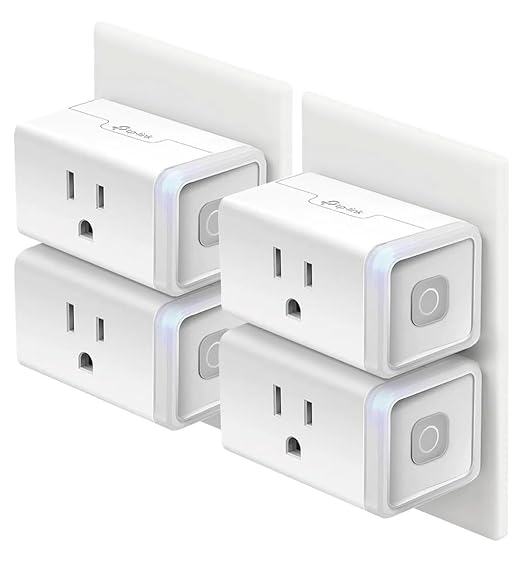
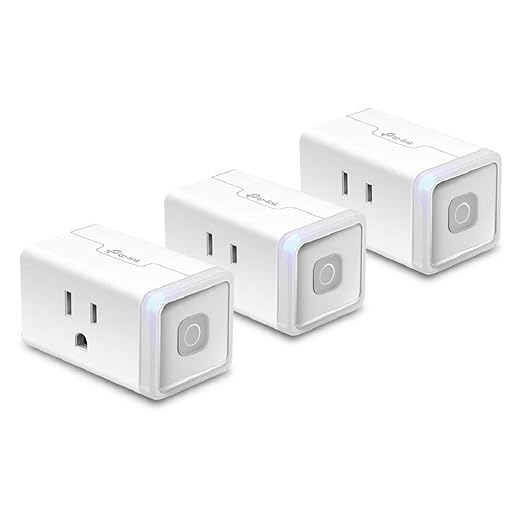
TP-Link Kasa is the most-recommended brand on the home automation subreddits, and the HS103P4 4-pack is the specific model people buy. WiFi-only, no hub, scheduling and Away mode built in, works with Alexa, Google, and SmartThings. The app is one of the few that doesn't feel machine-translated.
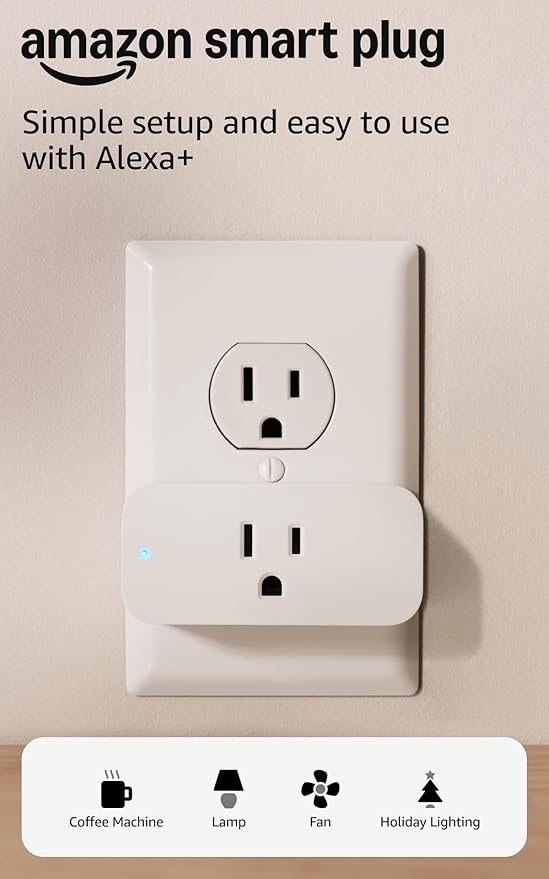
The Amazon Smart Plug is the pick if you already have an Echo. Setup is one step: plug it in, Alexa finds it. No separate app, no account creation. It's the most expensive per-unit option on this list, and in an Alexa household it removes the friction that kills smart home momentum.
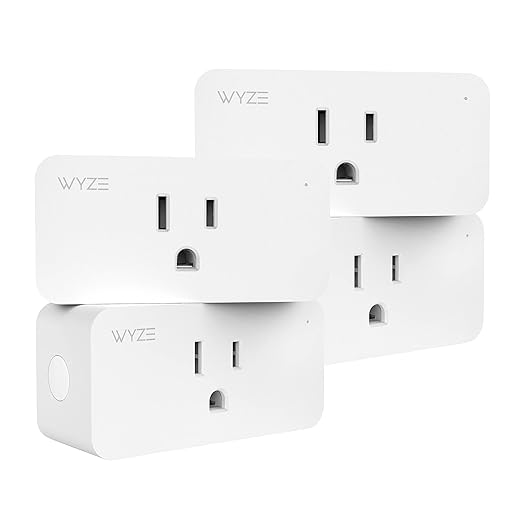
Wyze is the budget play. The Wyze Plug 4-pack lands well under $10 per outlet, which makes it the right answer if you want a lamp in every corner of the apartment on an ambient lighting routine. The Wyze app handles scheduling and Alexa pairing. Build quality is what you'd expect at this price. Fine, not premium.
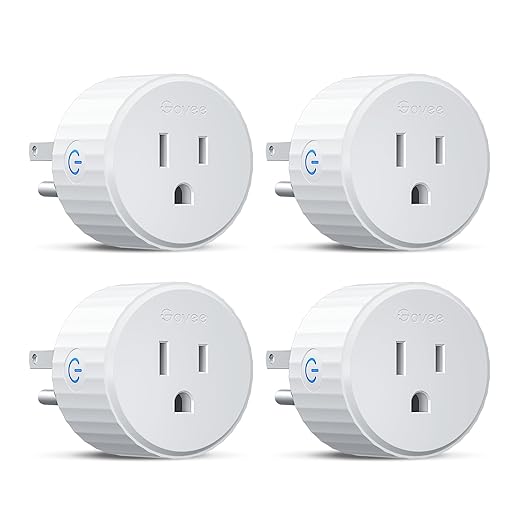
Govee is better known for LED strips, but the plug line is solid and runs through the Govee Home app that's already on your phone if you own any of their lights. Some Govee plugs support Matter, the long-term smart home protocol to care about as the ecosystem standardizes.
Energy monitoring, and who needs it
Most smart plugs are dumb on/off switches. A subset adds energy monitoring, meaning the plug reports wattage and kilowatt-hours through the app. Whether you need it depends on what's plugged in. Scheduling a lamp? No. Running a window AC, a space heater, a dehumidifier, or a gaming PC? Yes. Apartment electric bills can swing by $50+ per month from a single high-draw device, and energy monitoring tells you which appliance is responsible.
Kasa's KP125M is the most common energy-monitoring pick, with TP-Link claiming kWh accuracy comparable to a dedicated meter. One Reddit commenter put the divide bluntly: there's nothing wrong with a basic $8 on/off plug if you don't care about consumption. The upgrade only pays off if you're going to look at the data.
The form factor problem in apartment outlets
American duplex outlets stack the two receptacles close together. Old-style smart plugs were thick boxes that blocked the second receptacle entirely, a genuine problem in an apartment with limited wall outlets. The current generation from all four brands above is slim enough to leave the second outlet usable, but verify the dimensions before buying. The Kasa HS103P4 and the Amazon Smart Plug are both flat enough to stack two on the same duplex.
If your apartment has the older two-prong outlets without ground, none of these plugs will fit. You'll need an adapter, and at that point smart plugs probably aren't your biggest wiring concern.
What to plug in, and what not to
Good candidates: floor lamps, table lamps, holiday lights, fans, coffee makers, slow cookers, dehumidifiers, window AC units, electric blankets, aquarium pumps, plant grow lights, and anything you want on a sunrise or away-from-home schedule.
Bad candidates: anything that has to come on the instant you flip a wall switch (the latency is small, but it's there), anything heat-producing where a surprise activation is dangerous (clothes irons, hair tools), and anything over the plug's amp rating. Most plugs here are rated 10-15 amps, and a high-draw heater can exceed that. Check the label on whatever you're plugging in.
One subtle thing: if the power flickers in your building, look for plugs that restore the previous state after an outage. The cheap ones default to off, so you come home to a dark apartment and a defrosted aquarium.
Pick your ecosystem before you buy
Every plug on this list works with Alexa and Google Assistant. The Amazon Smart Plug is the only one with a one-step Alexa setup. If voice control is how you'll mostly use these, that one step matters more than the price difference.
Starting from scratch with no Echo or Nest in the house? The Amazon Echo Dot is the cheapest entry to voice control and pairs natively with everything in this guide. An Echo Dot plus four Kasa plugs runs about $80 total and covers the basic apartment smart home.
The short version
TP-Link Kasa 4-pack for most people. Amazon Smart Plug if you already have Alexa. Wyze if you want four plugs for under $40 and don't need energy monitoring. Kasa KP125M energy monitor if you have a high-draw appliance you want to measure. Govee if you're already in the Govee ecosystem for lighting. All five are no-hub, WiFi only, and pull out cleanly when the lease ends.
Recommended
Products related to this guide.
What owners say
Real owner reports from the threads and editorial sources we drew on for this guide.
“Are they any better than TP-Link Matter/Energy monitor plugs?”
— r/HomeAutomation / evanescentone
“Same. I have yet to start on Zwave, only using zigbee. Mostly due to cost. But I have no real issues with zigbee. I got 3 of those 4 plug packs (with energy monitor) for zigbee and they make for a fairly robust network for all the other devices. Even if Zwave is somewhat better, I imagine having 4x the mesh capable devices for the same price helps.”
— r/HomeAutomation / Zarathustra_d
“Tangentially related, what brand does anyone swear by regardless of Z-wave or Zigbee? I’ve been using Kasa products for a while and the home assistant integration broke just in time to mess up all my holiday automations. Looking to make the switch.”
— r/HomeAutomation / raybreezer
“That's right but there are people (like me) who doesn't care about energy monitoring and a simple $8 on/off switch is cheap enough”
— r/HomeAutomation / AmeriChino
“How do you see the energy monitoring from the plug? Does it require IKEA’s hub?”
— r/HomeAutomation / laserlemons
“Use the TAPO connectors. They're from TP-Link and cost the same.”
— r/HomeAutomation / Mediocre-Ad-3413
Frequently asked questions
What are the best smart plugs for an apartment renter?
Kasa Smart Plug HS103P4 (4-Pack). Four plugs for $30, best-per-unit value in the no-hub WiFi category.
What are the best budget smart plugs for an apartment renter?
Amazon Smart Plug. The frictionless Alexa pick.